Remove test or junk data
Delete a date range of a site's data, or wipe its analytics completely.
Open the site, then Settings in its sidebar. Site Information shows the site’s ID, domain and when it was added. Both tools are under Danger Zone.
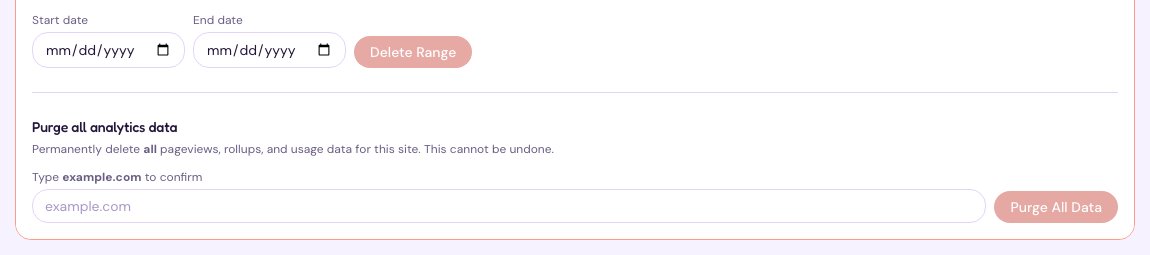
Delete a date range
Useful after a load test, a bot attack or a day of testing on production.
- Under Delete data by date range, choose the Start date and End date.
- Choose Delete Range.
Purge all of a site’s analytics
- Under Purge all analytics data, type the site’s domain to confirm.
- Choose Purge All Data.
This permanently deletes the site’s page views, totals and usage. The site itself stays, and keeps collecting new data. Neither action can be undone.