Email reports
Get a summary of a site's traffic in your inbox every day, week or month.
- Open Reports in the sidebar.
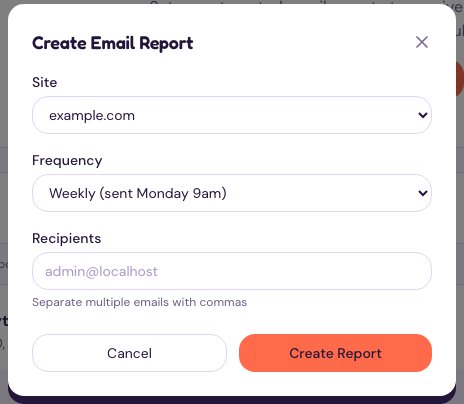
- Choose Create Report.
- Pick the Site.
- Pick the Frequency: daily (sent at 9am), weekly (Monday 9am) or monthly (the 1st).
- Add the Recipients. Separate several addresses with commas.
- Choose Create Report.
The Reports page also shows a preview of the email: visitors, page views and bounce rate, each compared with the previous period, with View Full Report linking to the site’s analytics.